For the past few years, most of my WordPress workflow has revolved around Elementor.
Like many other WordPress developers and designers, I was used to building websites through drag-and-drop builders because they were fast, flexible, and visually convenient.
But recently, I started becoming more curious about the future direction of WordPress.
I kept seeing more discussions about:
- Gutenberg
- Full Site Editing (FSE)
- Block Themes
- Native WordPress development
- Performance-focused websites
Then I realized something:
WordPress is no longer moving toward “builder-first” development.
It’s moving toward a more native, modular, and performance-oriented ecosystem.
So I decided to start learning Block Theme development from scratch.
And through this blog series, I want to document my learning journey while also sharing everything I learn with other developers who may be curious about modern WordPress development.
This is the first phase of my learning journey.
Why Did WordPress Create Gutenberg?
Before understanding Block Themes, I think it’s important to first understand why Gutenberg even exists.
The Old WordPress Era
In the past, WordPress websites were mostly built using:
- Classic Themes
- PHP template files
- Widgets
- Page Builders
The workflow usually looked like this:
Install WordPress
→ Install Theme
→ Install Elementor or other Page Builder
→ Build pages visually
This workflow became extremely popular because it allowed users to create websites quickly without needing to code everything manually.
And honestly — page builders changed the WordPress ecosystem forever.
But over time, several problems started appearing.
The Problems With Heavy Page Builder Workflows
Even though page builders are convenient, they often introduce technical issues behind the scenes.
1. Too Many Nested Elements
Many page builders generate very large HTML structures.
For example:
<div>
  <div>
    <div>
      <section>
        <div>
This creates:
- bloated DOM structures
- slower rendering
- reduced performance
- harder maintenance
2. Heavy CSS & JavaScript Assets
Many builders load:
- large CSS files
- large JavaScript bundles
- animations and effects globally
Even when some features are not being used.
This can negatively affect:
- loading speed
- Core Web Vitals
- SEO
- mobile performance
3. Dependency on Third-Party Builders
Another issue is dependency.
When an entire website heavily relies on one builder:
- migration becomes difficult
- updates may break layouts
- changing systems becomes risky
The website becomes tied to the builder ecosystem.
Then Gutenberg Was Introduced
To solve many of these long-term problems, WordPress introduced:
Gutenberg
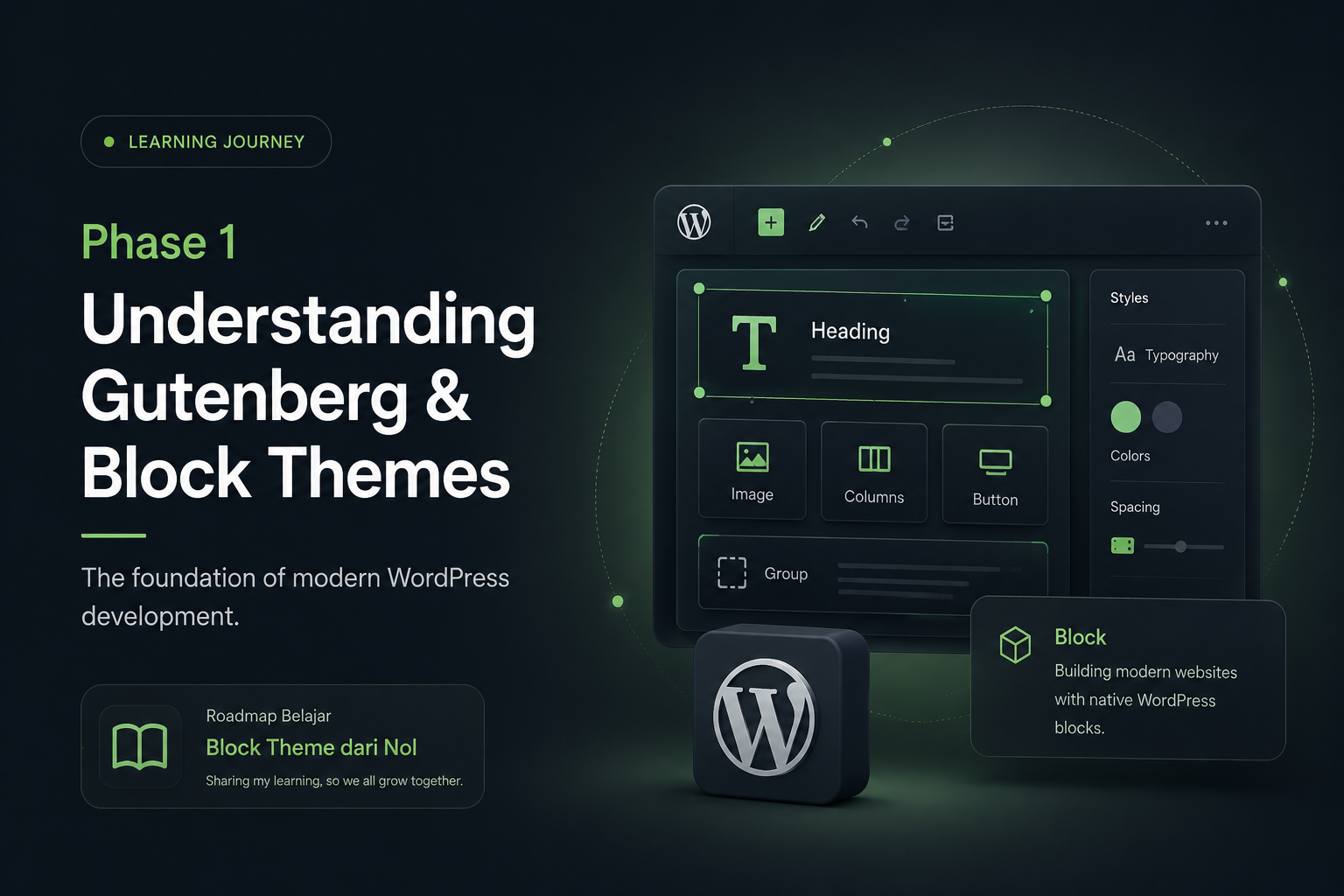
Gutenberg is WordPress’s native block-based editor.
Instead of editing everything inside one large content editor, users now build pages using independent blocks.
Examples of blocks:
- Heading Block
- Paragraph Block
- Image Block
- Columns Block
- Buttons Block
- Group Block
Each block represents a modular piece of content.
Understanding the Core Philosophy of Gutenberg
This is the part that completely changed my perspective.
Gutenberg is not just a “new editor.”
It represents a completely different way of thinking about website development.
From Page-Based Thinking to Modular Thinking
Previously, many developers thought like this:
“How do I build this page?”
Now the mindset becomes:
“How do I build reusable components and systems?”
This is a very important mindset shift.
Because modern WordPress development focuses more on:
- modular systems
- reusable layouts
- scalable design architecture
- native editing experiences
What Is a Block Theme?
After Gutenberg evolved further, WordPress introduced:
Block Themes
A Block Theme is a modern WordPress theme architecture built specifically for the block editor and Full Site Editing.
Unlike classic themes that rely heavily on PHP templates, Block Themes use:
- blocks
- templates
- template parts
- patterns
- theme.json
This allows users to visually edit:
- headers
- footers
- page templates
- blog layouts
- archive pages
without needing a traditional page builder.
Understanding Full Site Editing (FSE)
One of the most important concepts in modern WordPress is:
Full Site Editing
FSE allows almost every part of a website to become editable through the block editor.
That means:
- headers are editable
- footers are editable
- templates are editable
- layouts are editable
This creates a more unified editing experience directly inside WordPress.
The Main Philosophy Behind Block Themes
After spending time exploring modern WordPress, I realized Block Themes focus heavily on several important principles.
1. Native WordPress Development
The goal is to use WordPress core features as much as possible.
Instead of relying on many external systems, the website is built closer to the WordPress ecosystem itself.
This creates:
- better compatibility
- easier maintenance
- more future-proof development
2. Performance-First Architecture
Modern WordPress development cares a lot about:
- loading speed
- accessibility
- semantic HTML
- lightweight frontend architecture
Compared to many heavy builder workflows, Block Themes generally produce:
- cleaner HTML
- fewer unnecessary wrappers
- smaller assets
- faster rendering
3. Modular & Reusable Systems
One of the most interesting concepts is reusability.
For example, developers can create:
- Hero Patterns
- CTA Patterns
- Portfolio Patterns
- Testimonial Patterns
Then users can simply insert them whenever needed.
This feels similar to reusable UI systems in modern frontend development.
4. Better Editing Experience for Clients
Another thing I noticed is that Block Themes can create a simpler editing experience for clients.
Instead of opening a large visual builder interface, users can edit content more directly using blocks.
This can reduce:
- layout confusion
- accidental design changes
- dependency on developers for small edits
Elementor vs Gutenberg — My Personal Perspective
After comparing both workflows, I don’t think one is completely “better” than the other.
They simply solve different problems.
Elementor Is Great For:
- rapid prototyping
- marketing websites
- highly visual workflows
- quick client projects
- fast layout creation
Gutenberg & Block Themes Are Great For:
- scalable architecture
- long-term maintainability
- lightweight websites
- native WordPress development
- performance-focused projects
Personally, I think both still have their place.
But I also believe understanding Block Theme development will become increasingly valuable in the future.
The Mindset Shift I’m Currently Learning
This learning journey is not only about new tools.
It’s also about changing the way I think about building websites.
Previously, I mostly focused on:
- sections
- pages
- visual layouts
Now I’m starting to think more about:
- systems
- components
- reusable structures
- scalable design architecture
And honestly, this feels very similar to modern frontend development concepts.
What I’m Learning in Phase 1
At this stage, I’m focusing on understanding the foundations first before jumping into advanced development.
Current topics I’m learning:
- Gutenberg Editor
- Block-based layouts
- Full Site Editing
- theme.json
- Templates
- Template Parts
- Patterns
- Modern WordPress architecture
Right now, I’m intentionally trying not to rush into custom block development yet.
Because I want to fully understand the ecosystem and philosophy first.
My Goal Moving Forward
My long-term goal is to combine:
- UI/UX design
- WordPress development
- performance optimization
- modern interactions
- clean architecture
into a more modern WordPress workflow.
I want to build websites that are:
- visually modern
- lightweight
- scalable
- responsive
- accessible
- enjoyable to use
without relying too heavily on bloated systems.
Final Thoughts
Learning Block Theme development feels a little overwhelming at first — especially coming from a page builder workflow.
But at the same time, it feels exciting.
Because this isn’t just about learning a new feature.
It feels like learning the future direction of WordPress itself.
And through this blog series, I’ll continue documenting:
- what I learn
- the mistakes I make
- useful resources
- workflow discoveries
- experiments
- real projects
Hopefully this journey can also help other developers who are curious about modern WordPress development.
See you in the next phase.
In the next article, I’ll start diving deeper into:
Understanding Gutenberg Editor More Deeply
Including:
- how blocks actually work
- layout structures
- Group vs Stack vs Row
- nesting systems
- responsive block thinking
- Query Loop basics
- and how to think about layouts without relying on Elementor.