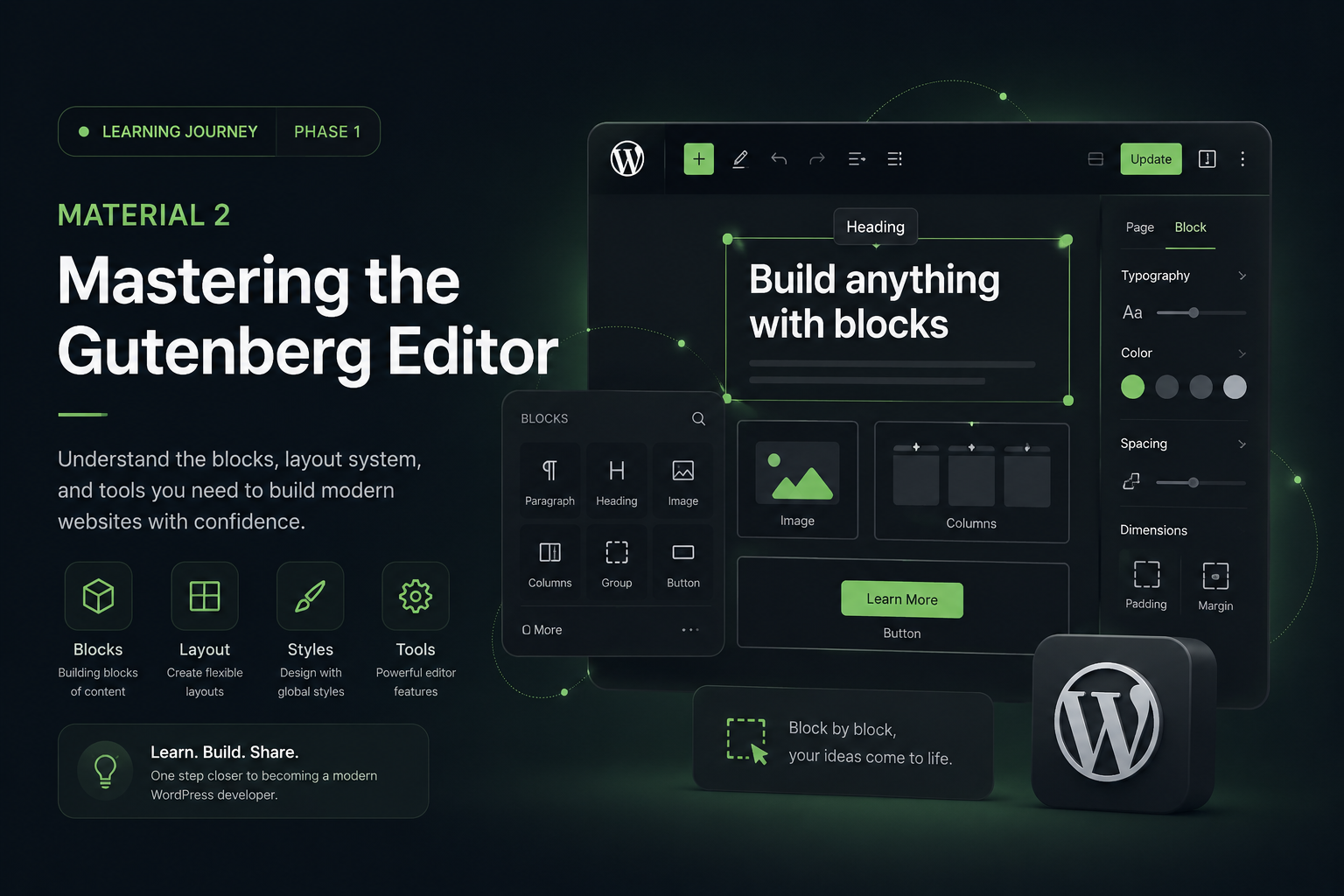
After learning the philosophy behind Block Themes and modern WordPress architecture, I realized something:
To truly understand modern WordPress development, I first need to deeply understand Gutenberg.
Because Gutenberg is no longer “just a content editor.”
It has become the core foundation of:
- Block Themes
- Full Site Editing (FSE)
- Patterns
- Template systems
- Modern WordPress workflows
And honestly, coming from an Elementor-based workflow, the transition felt a little strange at first.
For years, my mindset was mostly:
- sections
- widgets
- drag & drop layouts
- visual page building
But Gutenberg introduced a completely different way of thinking.
And the deeper I explore it, the more I realize:
Gutenberg feels less like a page builder.
And more like a modular layout system.
What Is Gutenberg?
Gutenberg is WordPress’s native block-based editor.
Instead of editing content inside one large editor, every piece of content is now treated as an independent block.
Examples:
- Heading Block
- Paragraph Block
- Image Block
- Buttons Block
- Group Block
- Columns Block
A page is no longer one giant editor.
It becomes a collection of reusable components.
The Biggest Mindset Shift
One of the biggest things I’m currently learning is the mindset change.
Previously, my workflow was focused on:
“How do I build this page?”
Now, Gutenberg encourages a different approach:
“How do I build reusable layout systems?”
That shift completely changes how I think about:
- structure
- hierarchy
- spacing
- reusable components
- scalable design systems
And honestly, it feels surprisingly similar to modern frontend development.
Understanding Gutenberg Layout Structure
One thing I immediately noticed is that Gutenberg relies heavily on layout hierarchy.
Instead of thinking about “pages,” Gutenberg encourages developers to think about:
- containers
- nesting
- structure
- relationships between blocks
And this is where Group, Row, and Stack blocks become extremely important.
Group Block
The Group Block is probably the most important block in Gutenberg.
It acts as:
- a container
- a wrapper
- a layout section
- a spacing controller
- a background wrapper
Coming from Elementor, it feels somewhat similar to a Section or Container.
Most modern Gutenberg layouts are built around Group blocks.
Row & Stack Blocks
These two blocks introduced a much more modern layout approach.
Row Block
Used for horizontal layouts.
Examples:
- navigation menus
- button groups
- inline content
It behaves similarly to:
flex-direction: row;Stack Block
Used for vertical layouts.
Examples:
- card content
- vertically stacked elements
- structured content layouts
It behaves similarly to:
flex-direction: column;And together, Row + Stack create a much more flexible layout system.
Understanding Nesting
Another important concept is nesting.
Blocks can exist inside other blocks.
Example:
Group
├── Heading
├── Paragraph
└── Buttons
Or more complex structures:
Group
└── Columns
├── Image
└── Group
├── Heading
└── Paragraph
At first this looked complicated to me.
But eventually I realized:
This is very similar to:
- HTML structure
- frontend component trees
- modern UI systems
And once the hierarchy starts making sense, building layouts becomes much easier.
Responsive Thinking in Gutenberg
This is another interesting difference compared to Elementor.
With Elementor, responsive design often involves manually adjusting:
- desktop
- tablet
- mobile
layouts separately.
But Gutenberg seems to encourage more natural responsive behavior through:
- flex layouts
- fluid spacing
- intrinsic responsiveness
Instead of constantly overriding layouts for every breakpoint, the idea is:
build layouts that are naturally responsive from the beginning.
And honestly, I really like this approach.
Query Loop — One of the Most Powerful Blocks
One block that immediately caught my attention is the Query Loop block.
Because it allows WordPress to create dynamic content layouts natively.
Examples:
- blog grids
- portfolio layouts
- recent posts
- archive pages
Previously, many developers relied on:
- Elementor Posts Widgets
- custom query plugins
- custom PHP loops
Now WordPress has a native block-based solution.
And I think this is a huge step forward.
Patterns Feel Like Modern Design Systems
Patterns are another feature that I find incredibly powerful.
Patterns are reusable groups of blocks.
Examples:
- Hero Sections
- CTA Sections
- Testimonials
- Portfolio layouts
- Pricing sections
Once created, they can be reused everywhere.
This feels very similar to:
- component systems
- design systems
- reusable UI architecture
And honestly, this is one of the features that made Gutenberg feel “modern” to me.
What Still Feels Challenging
Even though I’m enjoying the learning process, there are still challenges.
Some things still feel:
- slower than Elementor for rapid prototyping
- more technical
- less visually flexible in certain cases
- heavily dependent on understanding structure
But at the same time, I think these challenges are helping me understand WordPress more deeply.
My Biggest Realization So Far
The deeper I explore Gutenberg, the more I realize:
WordPress is trying to evolve into:
- a more modern system
- a more modular ecosystem
- a more scalable architecture
- a more performance-focused platform
And Gutenberg is the foundation of that transformation.
Final Thoughts
At first, Gutenberg felt unfamiliar.
But the more I learn it, the more I understand why WordPress is moving in this direction.
It’s not simply about replacing page builders.
It’s about creating:
- reusable systems
- scalable layouts
- better performance
- cleaner architecture
- modern editing experiences
And honestly, learning Gutenberg feels less like learning a “new editor”…
and more like learning the future architecture of WordPress itself.
In the next learning phase, I’ll start exploring:
Block Theme Structure & theme.json
Because apparently…
theme.json is where modern WordPress theming becomes REALLY interesting 😵💫